Introduction
The Linux[1] Operating System [2] come in many different distributions (distros). In the Linux philosophy, you can have a system on your computer that is customized for your specific needs. Because of years of experience with different Linux distros, New Development can help clients to choose the right Linux distro for their specific needs and to install and set it up. If you are tired of Windows and looking for a better alternative, New Development can help to streamline the transition..
Some of the historical faces of Linux since 2007...
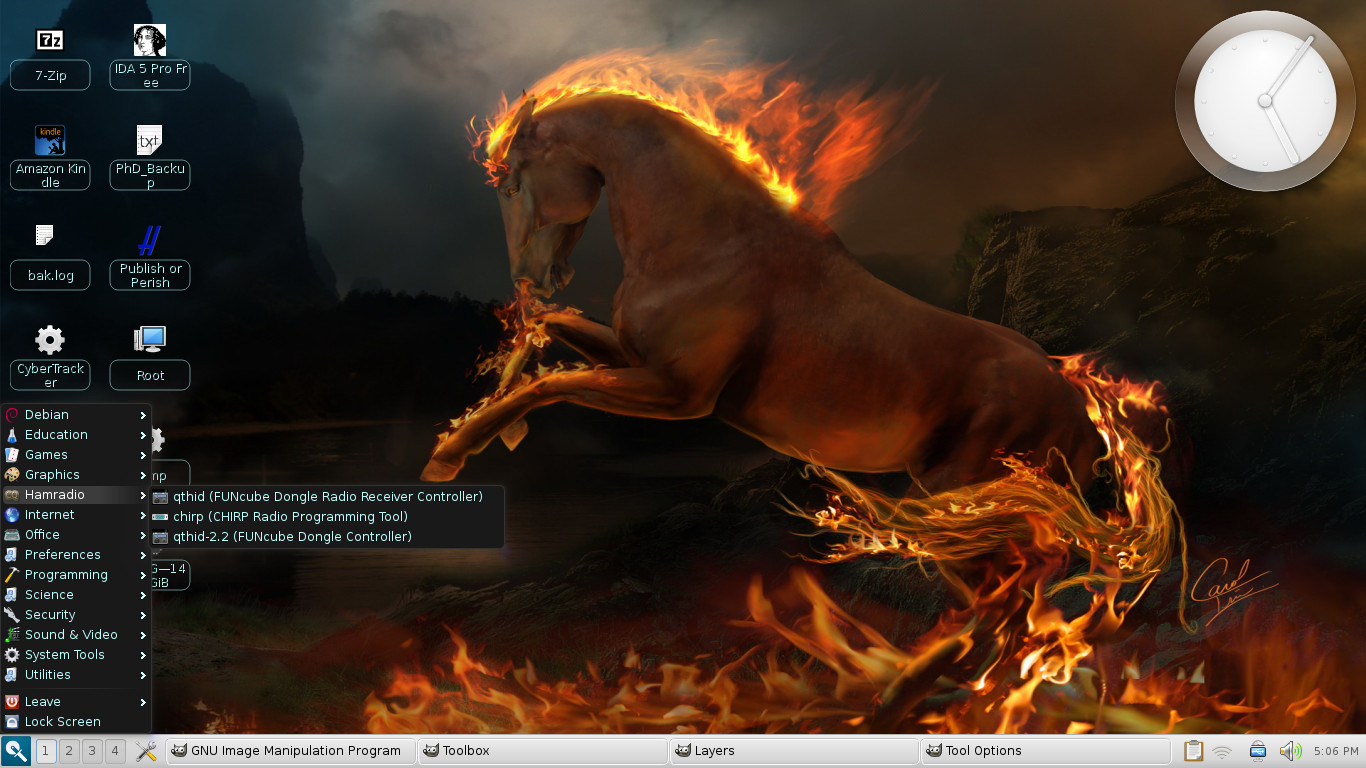
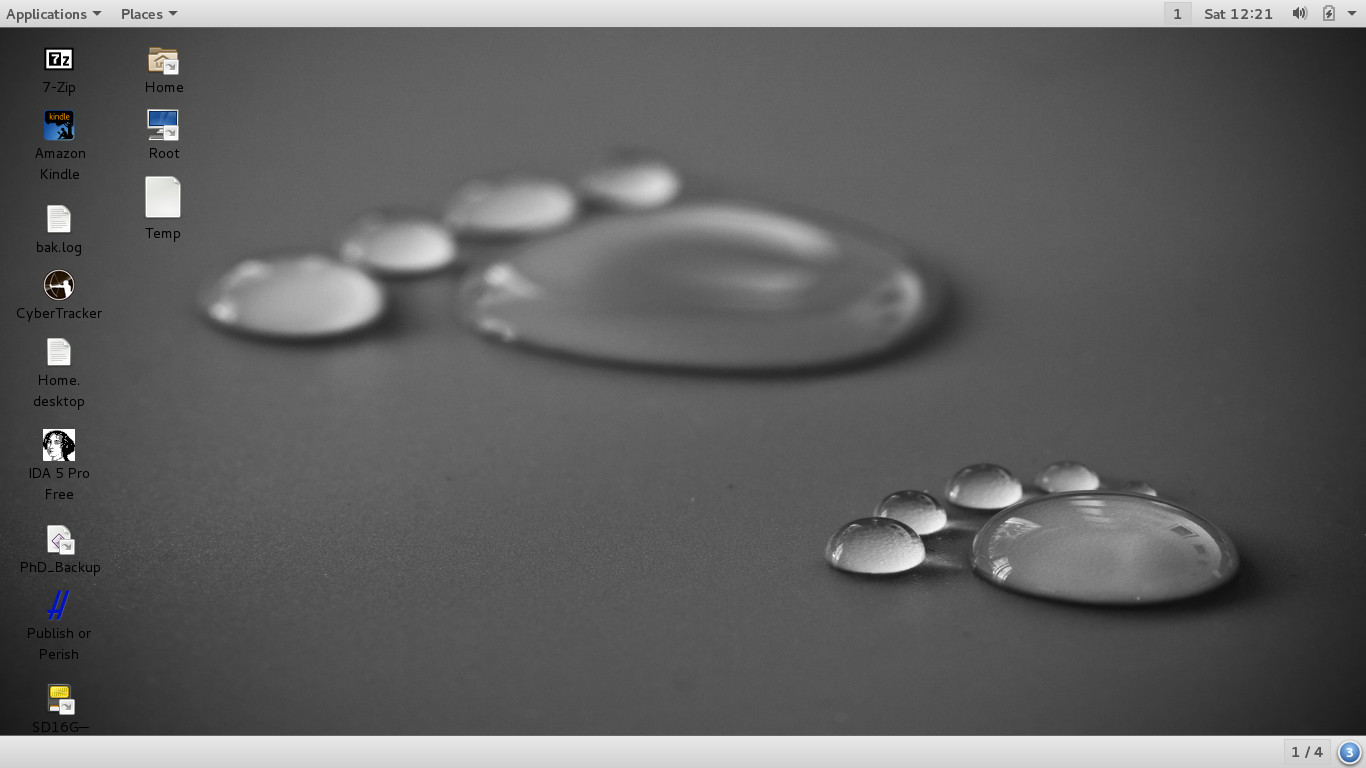
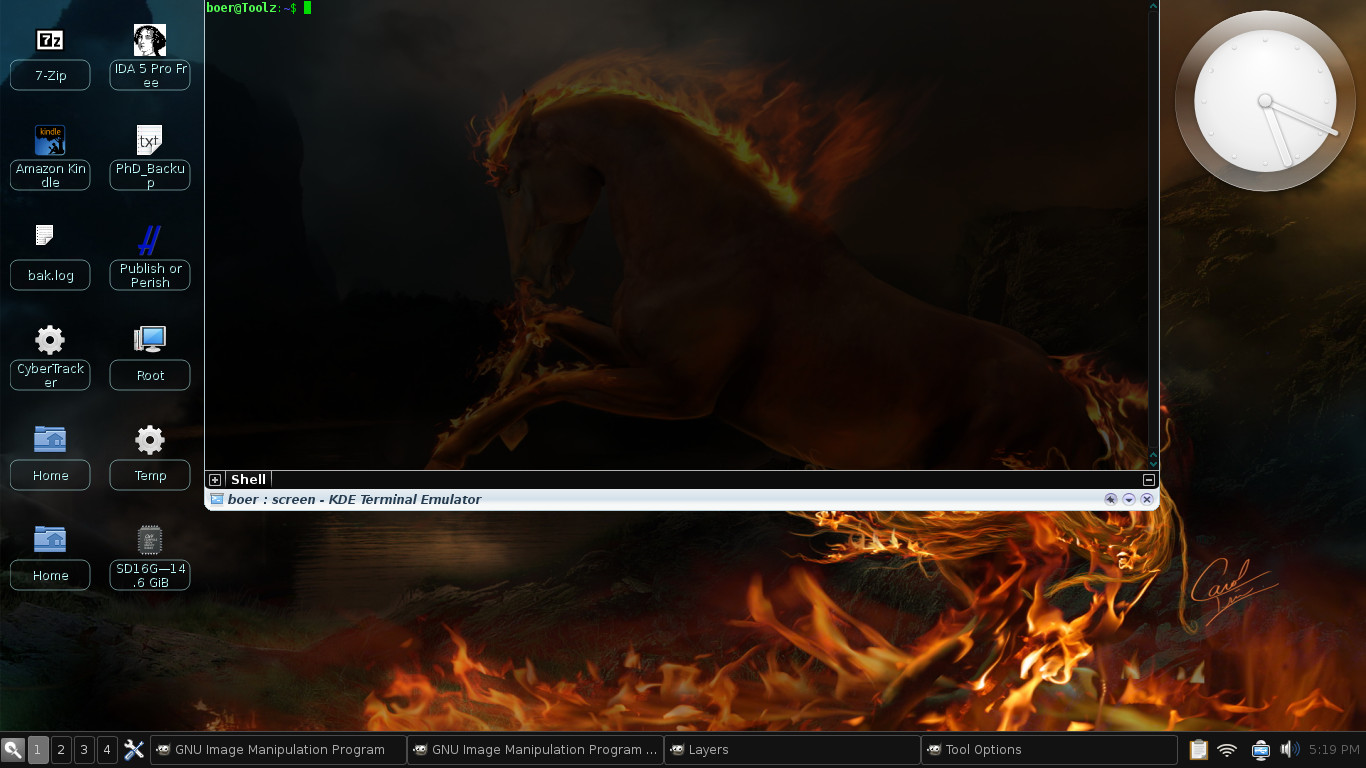
In the gallery below are a number of screenshots from around 2007 to 2014 from different Linux distros, showing off some of its variety. For more modern Linux backgrounds, see for example here.
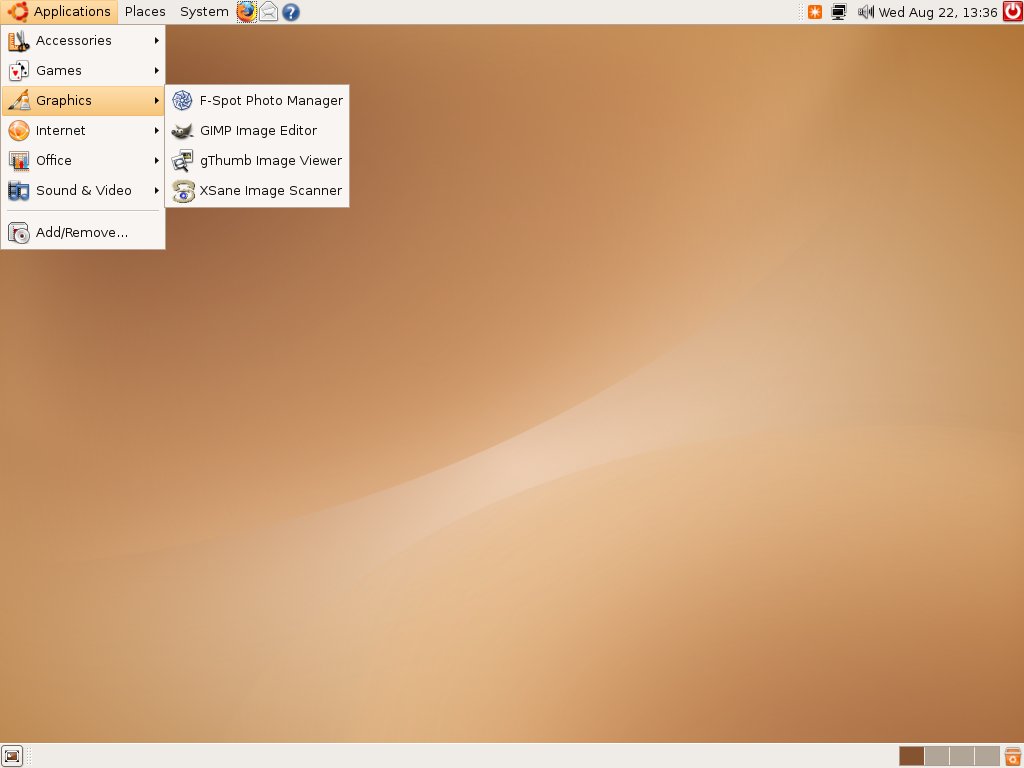
 Ubuntu, one of the most popular desktop distributions
[3]
(2007). Uses GNOME. (They have switched to Unity since then).
Ubuntu, one of the most popular desktop distributions
[3]
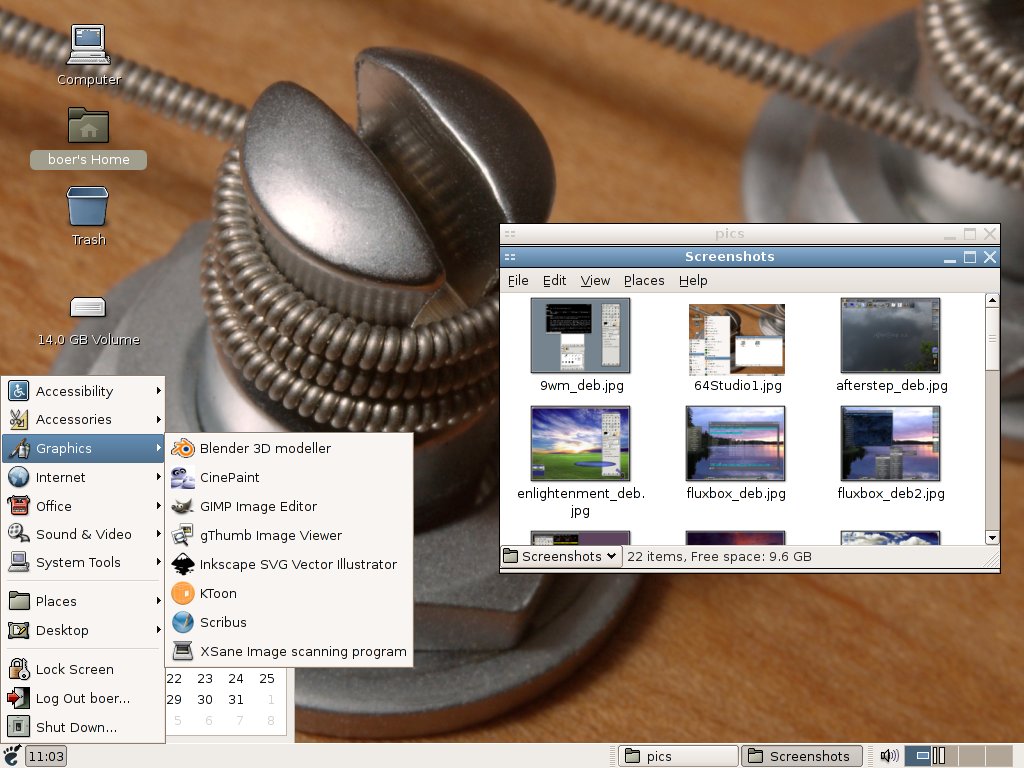
(2007). Uses GNOME. (They have switched to Unity since then).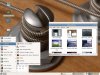 64Studio, a desktop distro specifically geared to audio. Showing a few of the
programs for graphics (2007).
64Studio, a desktop distro specifically geared to audio. Showing a few of the
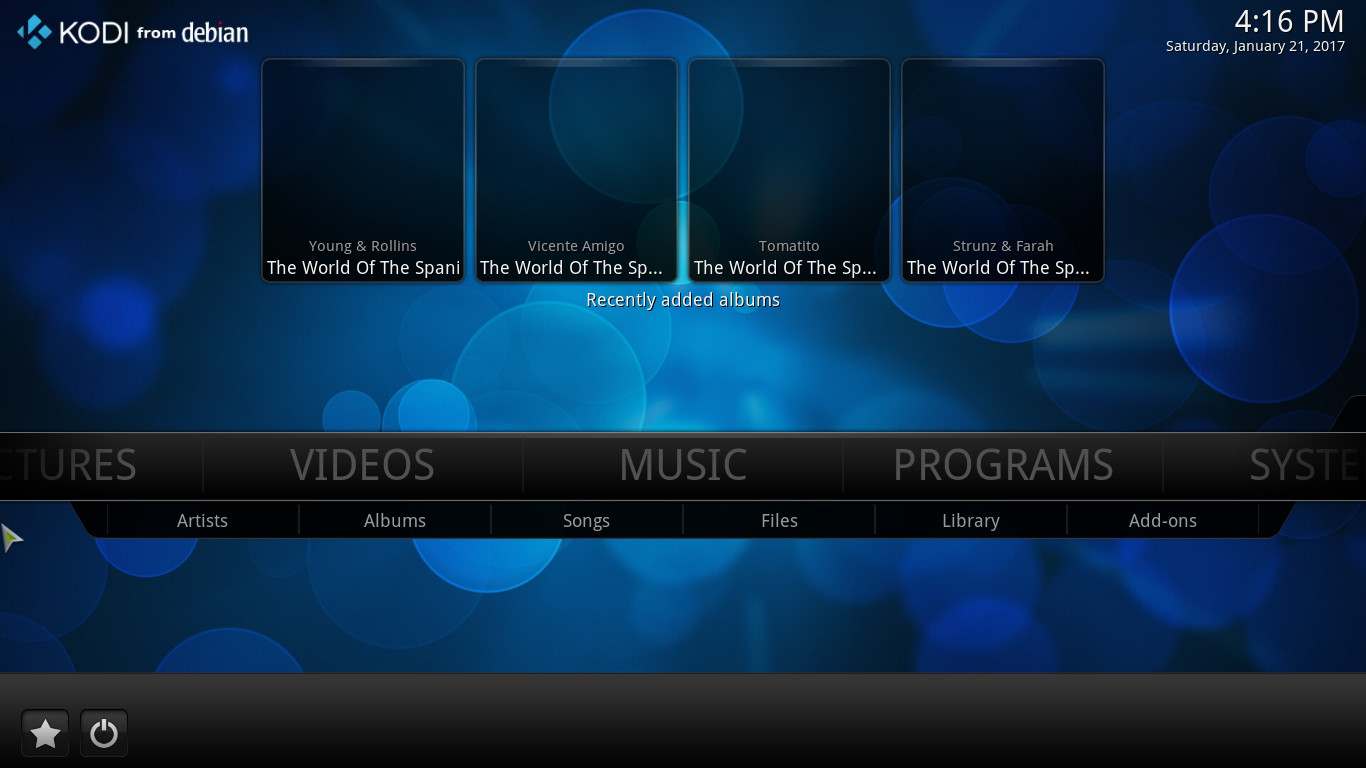
programs for graphics (2007).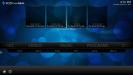 Debian, with a modern interface to multimedia called Kodi.
(2017)
Debian, with a modern interface to multimedia called Kodi.
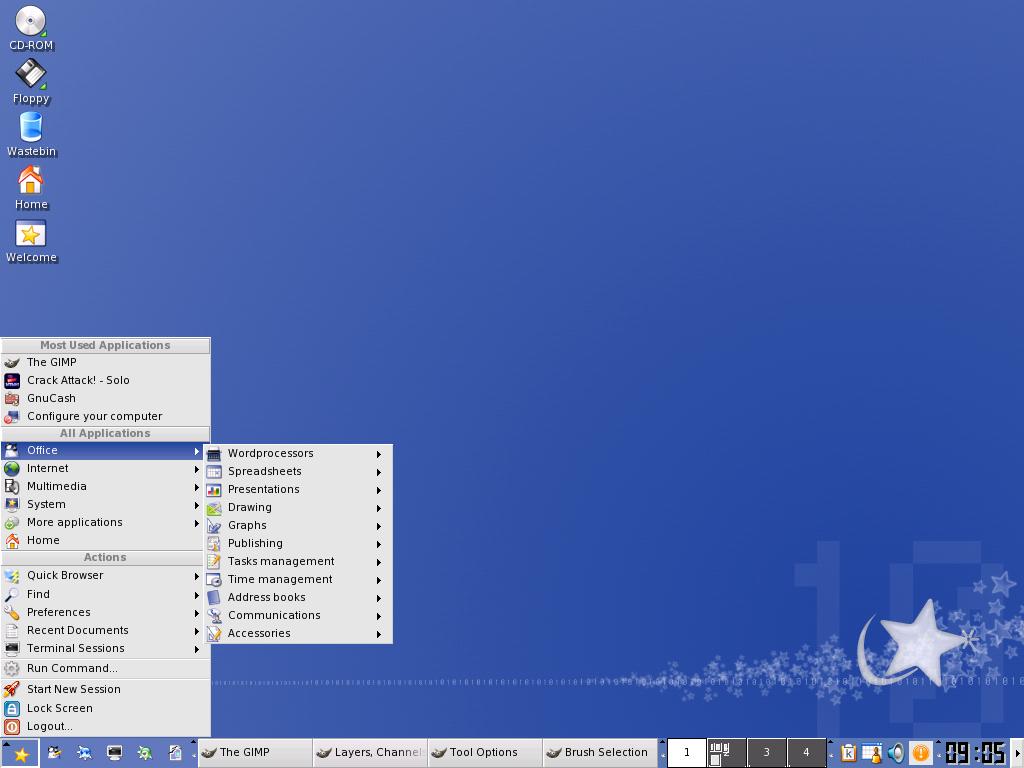
(2017)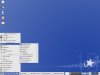 Mandrake, now known as Mandriva. Was known for good hardware detection. Also, the base for PCLinuxOS,
a live distro[4]. Here showing an older
version using KDE (2007).
Mandrake, now known as Mandriva. Was known for good hardware detection. Also, the base for PCLinuxOS,
a live distro[4]. Here showing an older
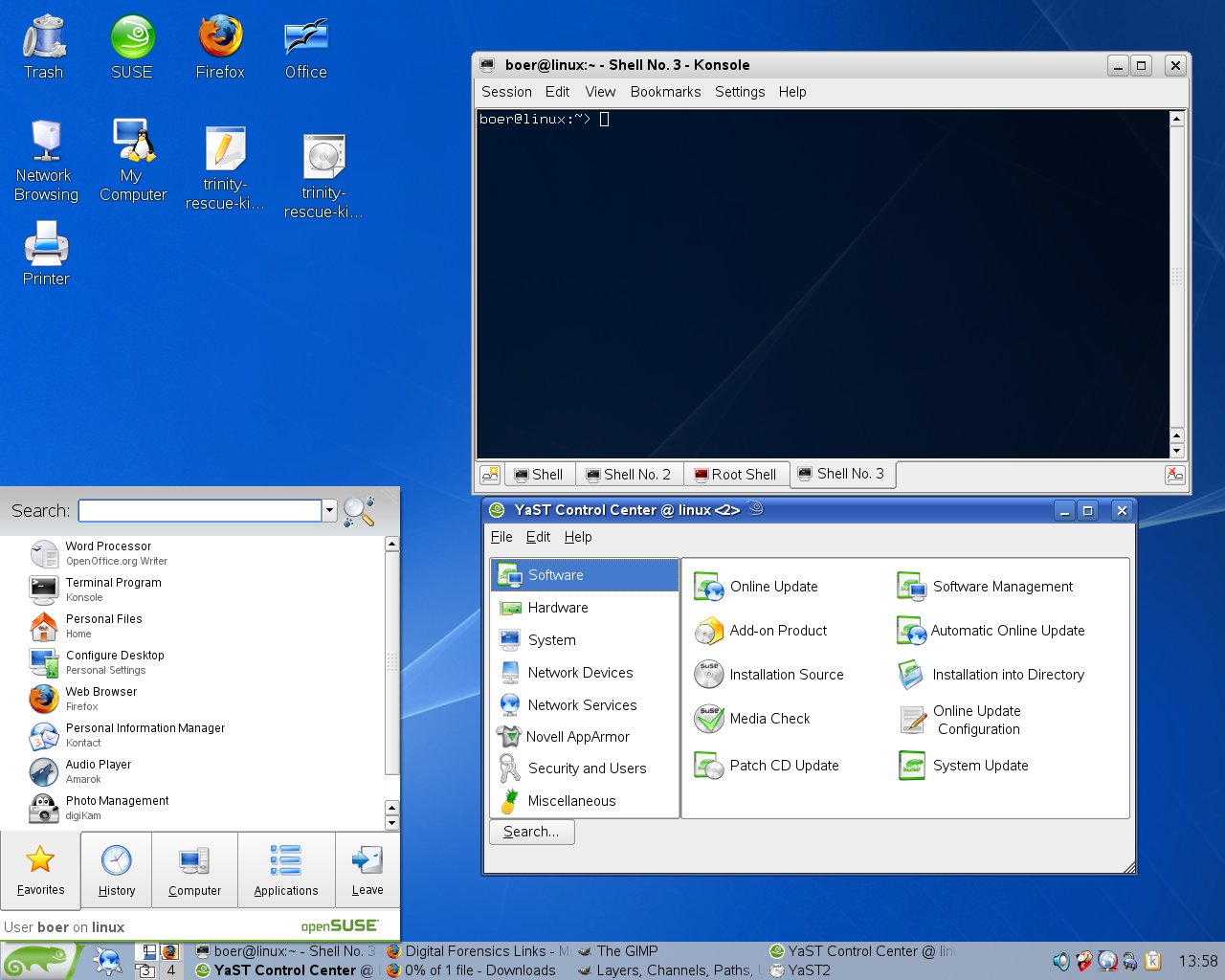
version using KDE (2007).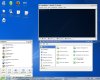 openSuSE, the free version of
SuSE Professional, Linux for business.
Showing Konsole and YaST (Yet another Setup Tool), the
desktop management system used by SuSE (Similar to the Windows Control Panel). (2007)
openSuSE, the free version of
SuSE Professional, Linux for business.
Showing Konsole and YaST (Yet another Setup Tool), the
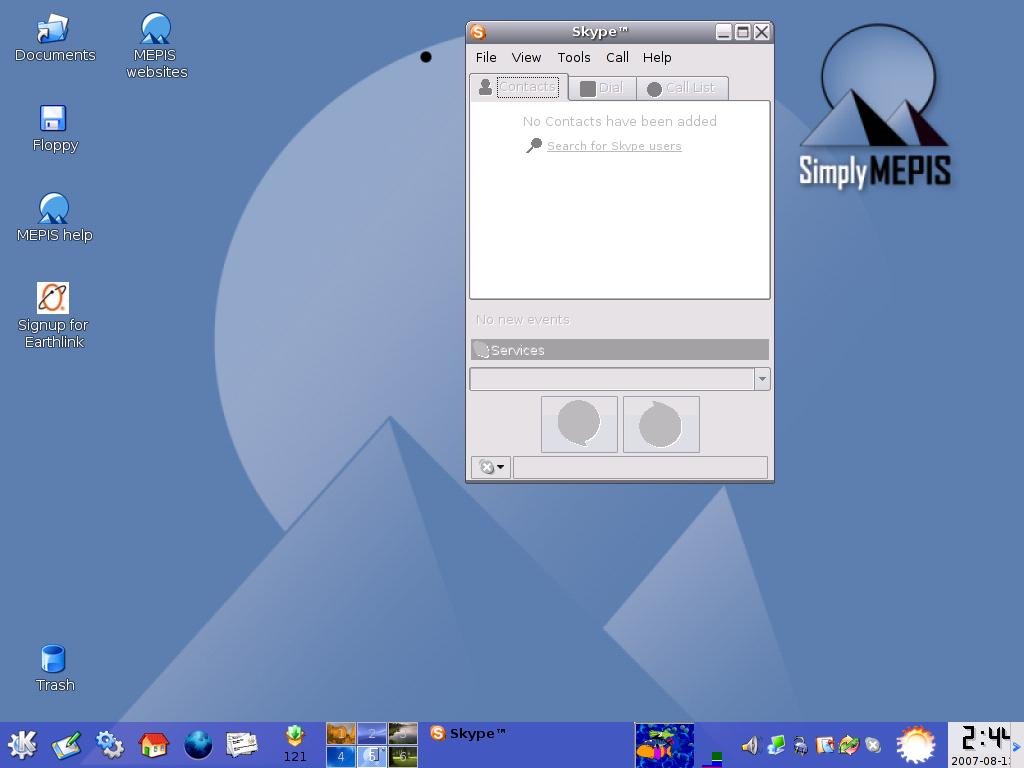
desktop management system used by SuSE (Similar to the Windows Control Panel). (2007) Mepis, a very nice desktop distribution (one of my favourites, now MXLinux). Like Ubuntu, both a
live distro (running the whole OS from a CD) that can also be installed permanently to
the hard drive of your PC. Uses KDE (2007).
Mepis, a very nice desktop distribution (one of my favourites, now MXLinux). Like Ubuntu, both a
live distro (running the whole OS from a CD) that can also be installed permanently to
the hard drive of your PC. Uses KDE (2007). Mepis 11, the base distro I used around 2012 on my laptop.
Uses KDE. To this I have added a few other choice package sources.
Mepis 11, the base distro I used around 2012 on my laptop.
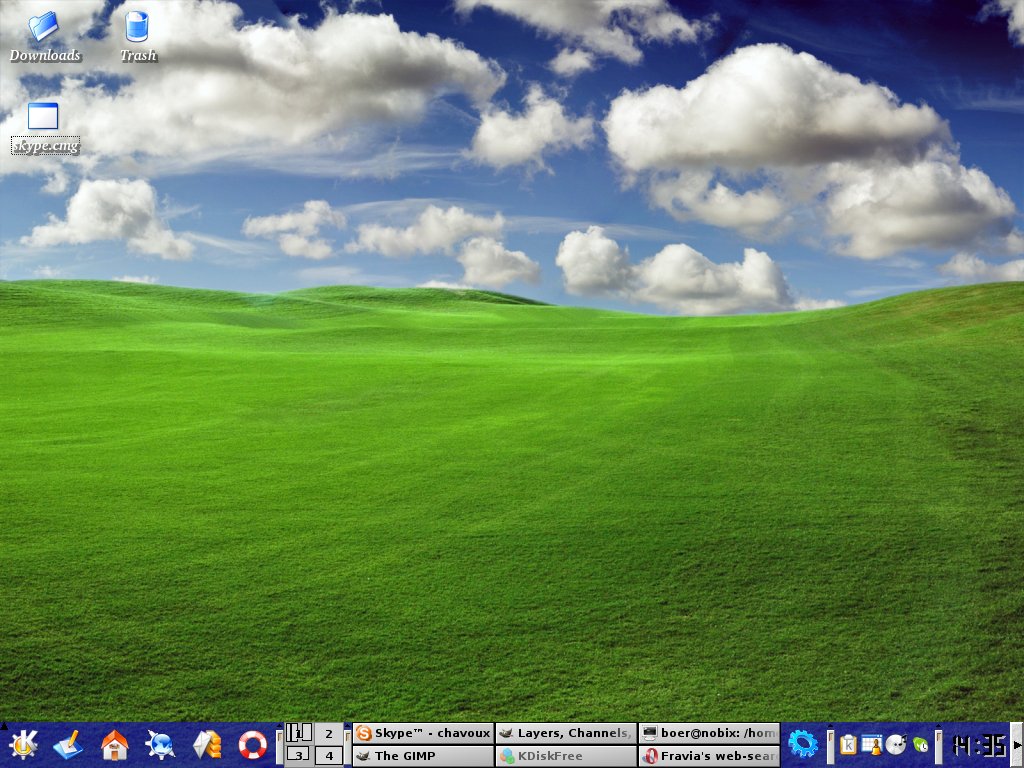
Uses KDE. To this I have added a few other choice package sources. Debian, my personal favorite distro and the base for many other distros like Ubuntu,
64 Studio and Mepis. Stable and secure. Here running an older version of
KDE (2007).
Debian, my personal favorite distro and the base for many other distros like Ubuntu,
64 Studio and Mepis. Stable and secure. Here running an older version of
KDE (2007). Debian, running a newer version of KDE (2012).
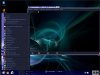 Debian, with another theme of KDE (2012).
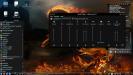 Current Debian stable, with KDE 4 (2017).
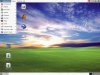 The many faces of Debian, here running
GNOME (2012).
All the following screenshots from 2012 are different user interfaces to the same Debian Linux system.
The many faces of Debian, here running
GNOME (2012).
All the following screenshots from 2012 are different user interfaces to the same Debian Linux system.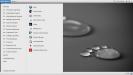 A modern Debian, here running
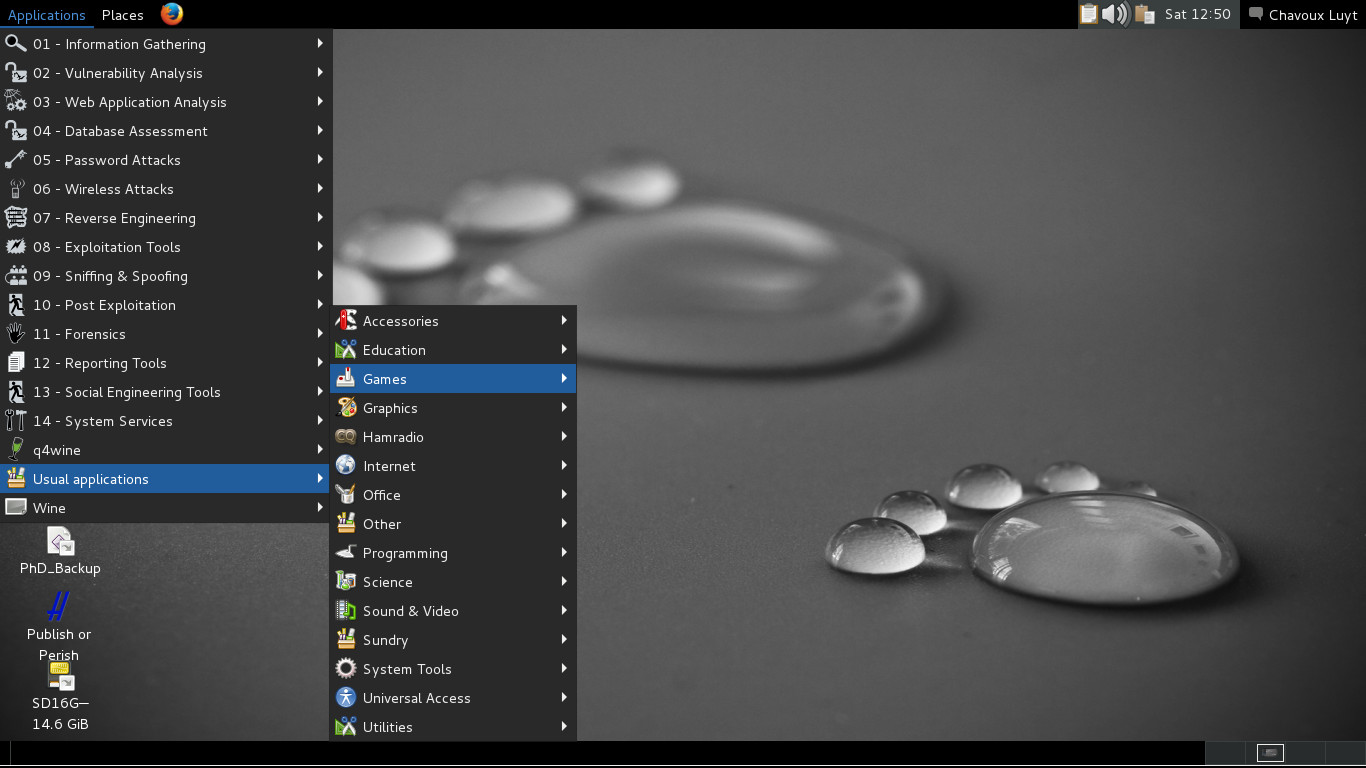
GNOME classic (2017).
A modern Debian, here running
GNOME classic (2017).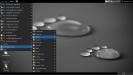 Debian, running
GNOME flashback (2017).
Debian, running
GNOME flashback (2017).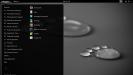 Debian, running
GNOME 3 (2017).
Debian, running
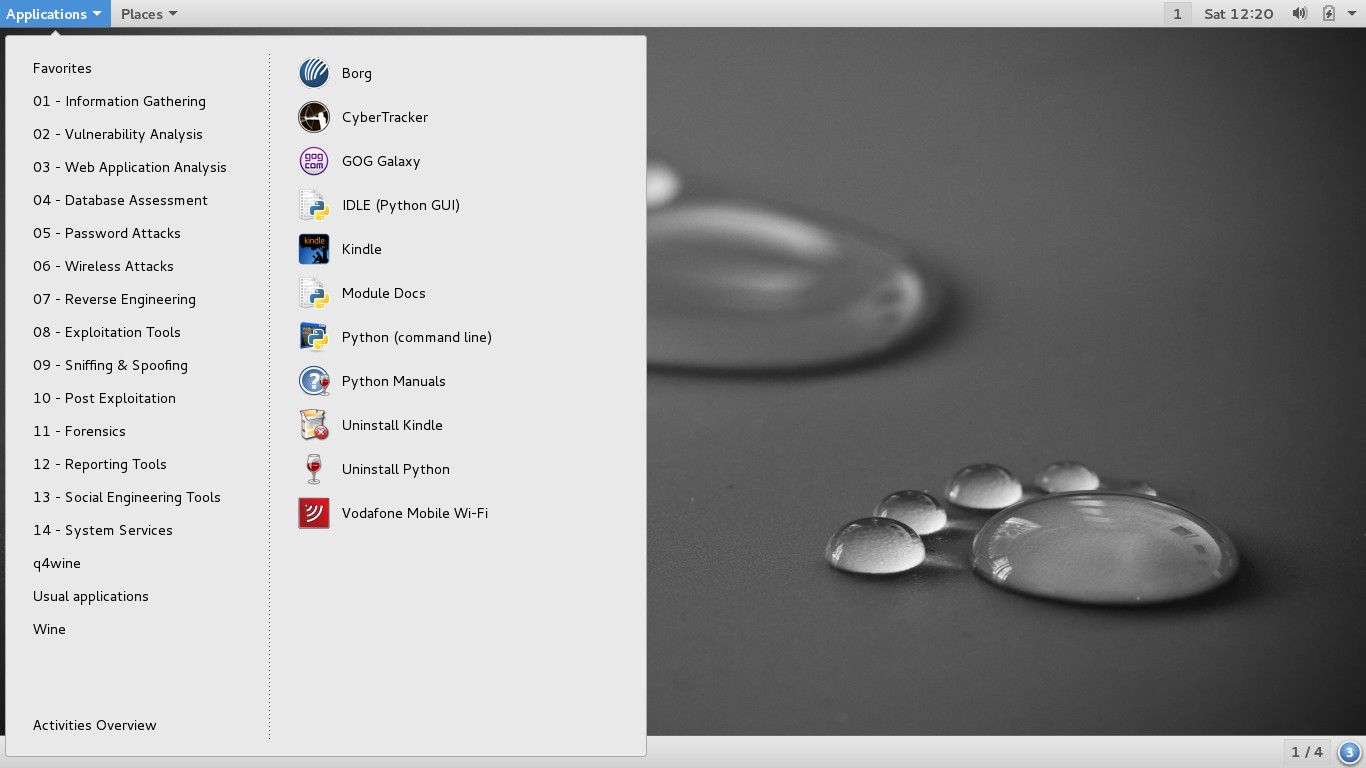
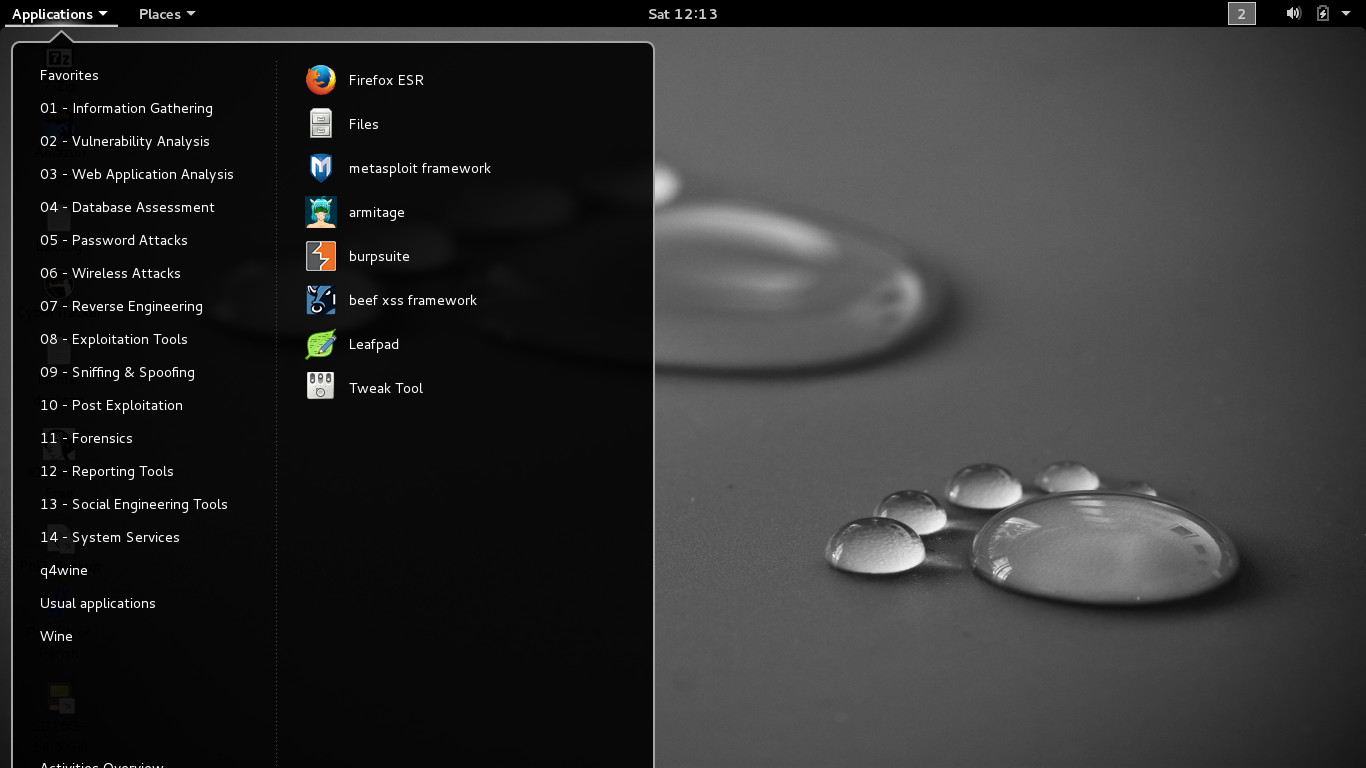
GNOME 3 (2017).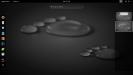 Debian, running
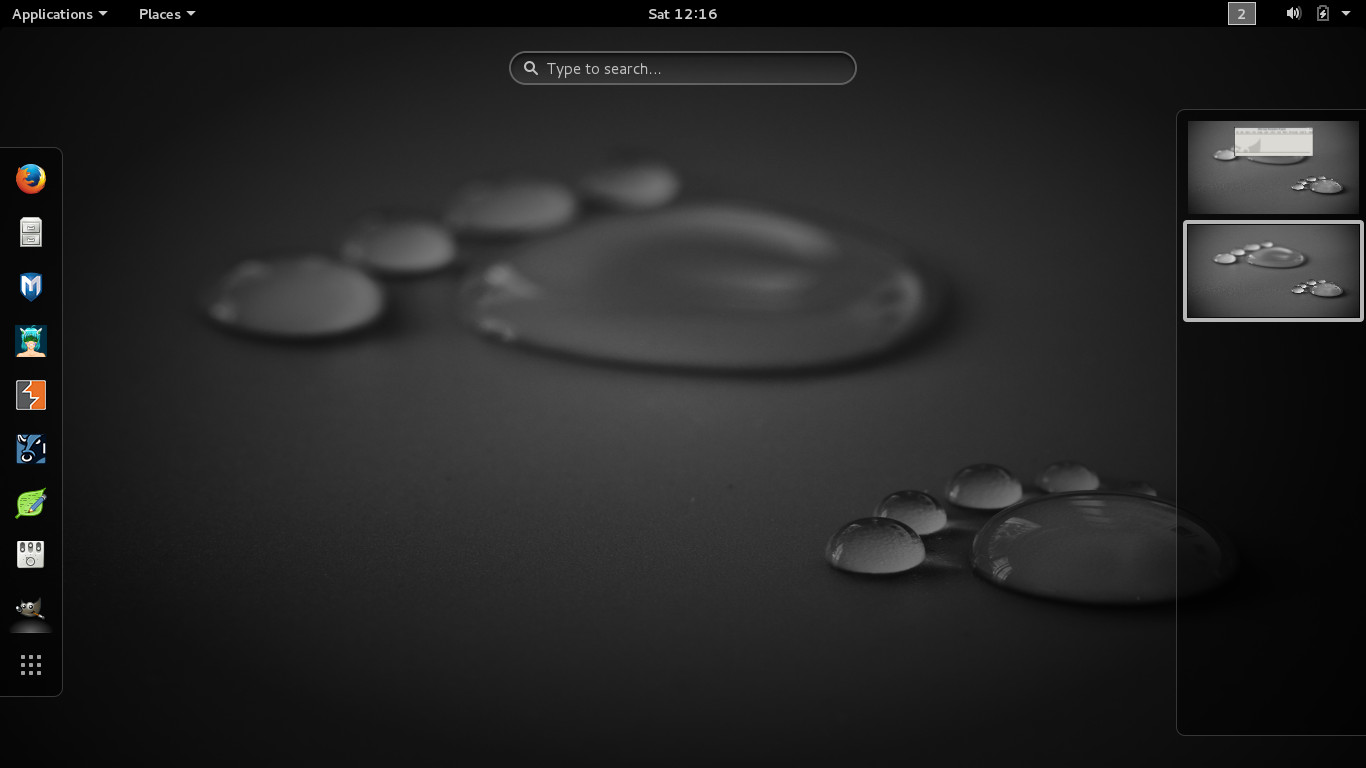
GNOME 3 (2017), showing its default (search) interface.
Debian, running
GNOME 3 (2017), showing its default (search) interface. Debian, running a minimalistic olvwm.This is
ideal for older machines that might not be able to run the newest KDE or GNOME or on a thin
client in a client-server setup.
Debian, running a minimalistic olvwm.This is
ideal for older machines that might not be able to run the newest KDE or GNOME or on a thin
client in a client-server setup.-
 Debian, running AfterStep (2012).
 -
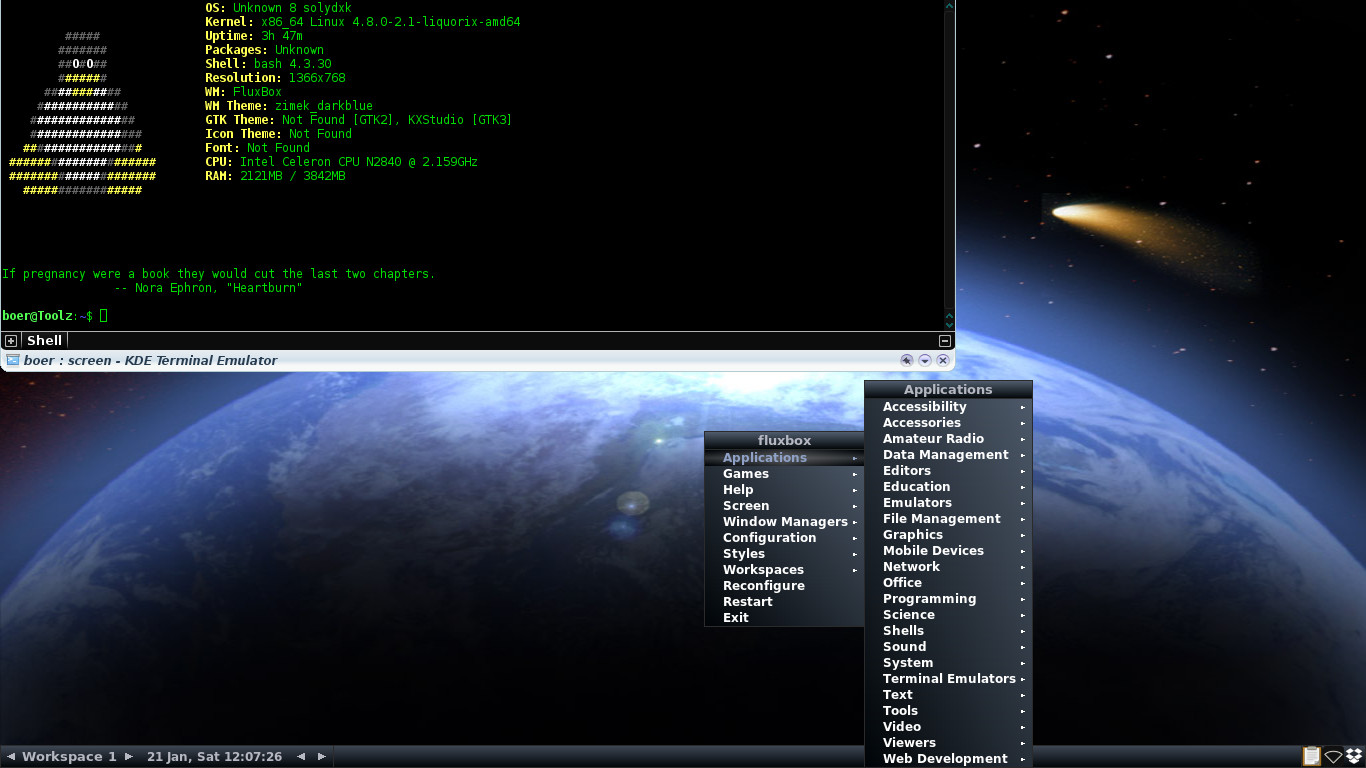
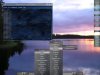 Debian, with Fluxbox, my
personal favorite among the lighter window
managers. (2012)
Debian, with Fluxbox, my
personal favorite among the lighter window
managers. (2012) -
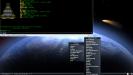 Debian, with a new version of Fluxbox, still pretty much the same
(2017).
Debian, with a new version of Fluxbox, still pretty much the same
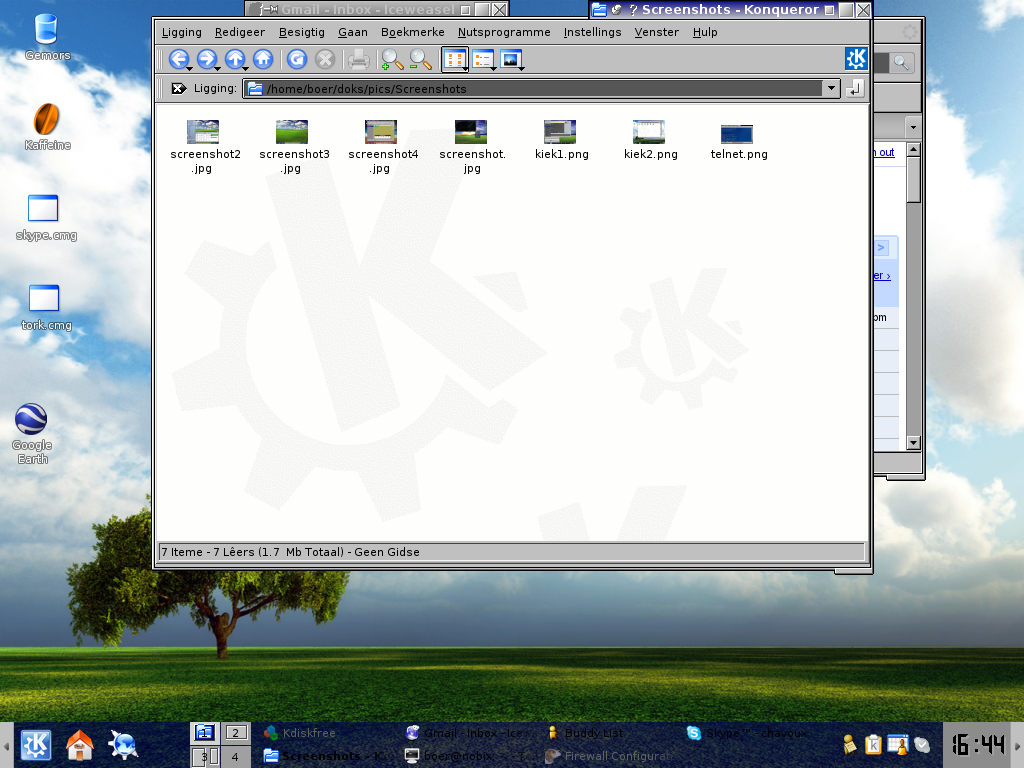
(2017).  Debian, with IceWM which feels a lot like Windows with a "Start" button in the lower left. (2012)
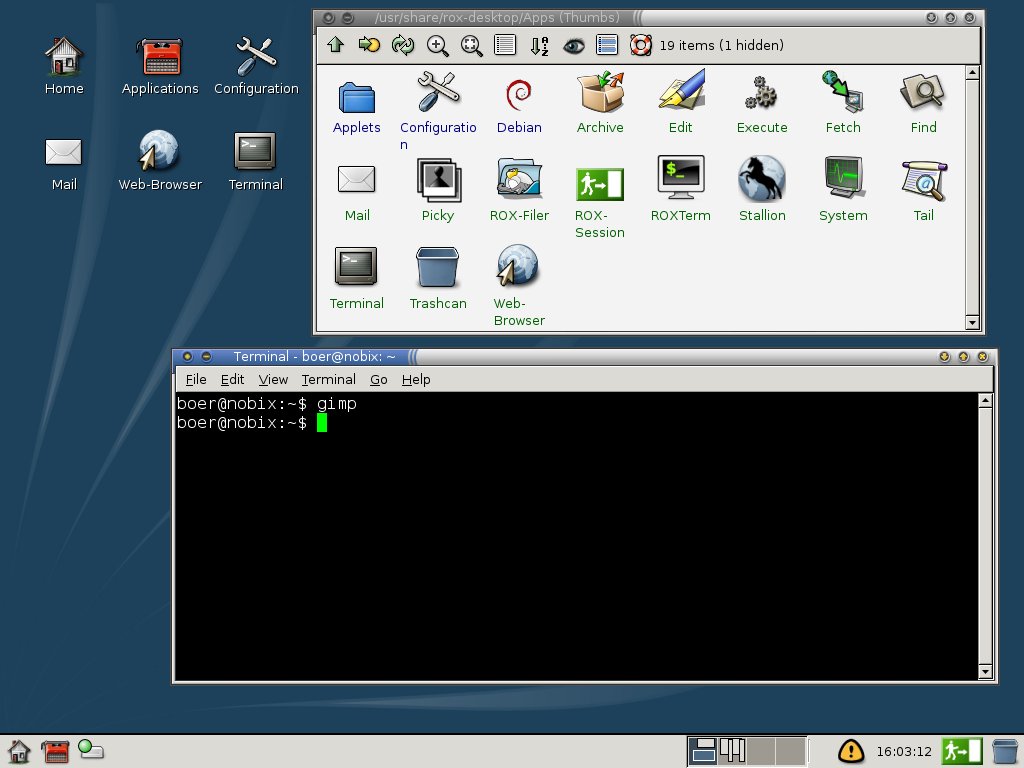
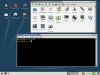 Debian, running the ROX
desktop environment (2012).
Debian, running the ROX
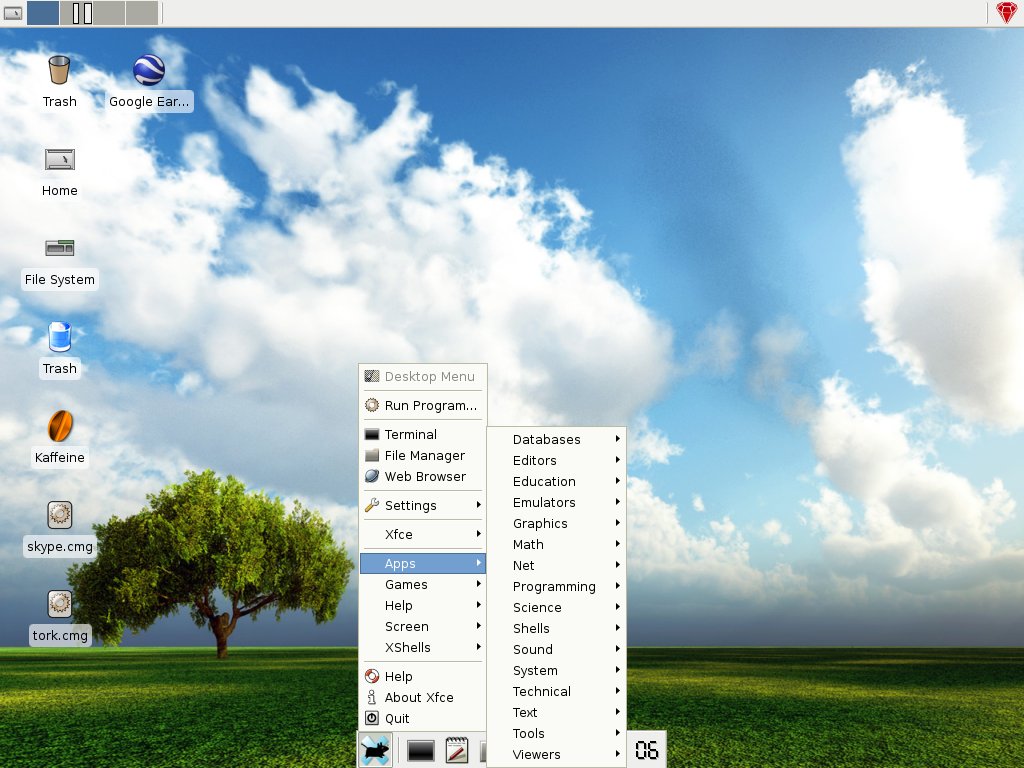
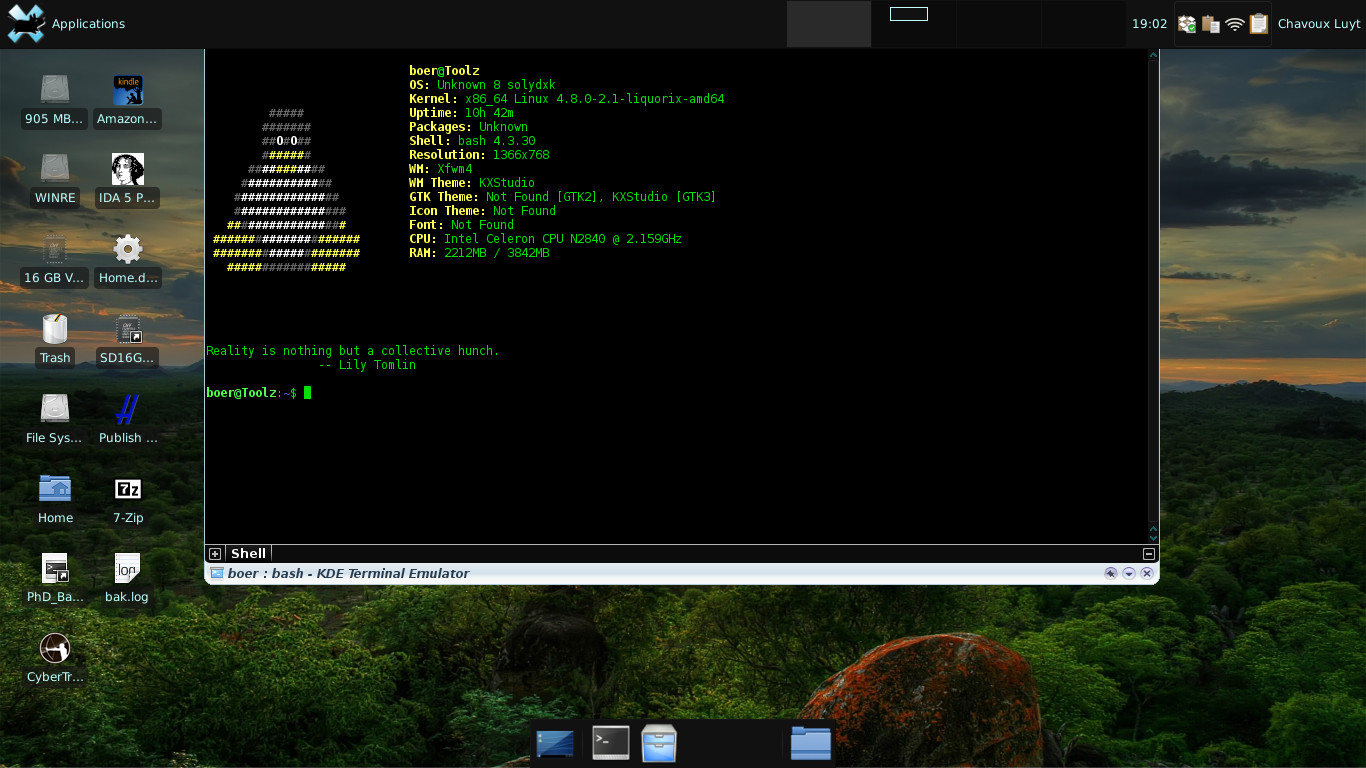
desktop environment (2012).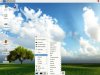 Debian, running the "Cholesterol Free Desktop Environment"
Xfce (2012). Also the default on
MXLinux.
Debian, running the "Cholesterol Free Desktop Environment"
Xfce (2012). Also the default on
MXLinux.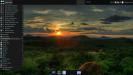 Debian, with
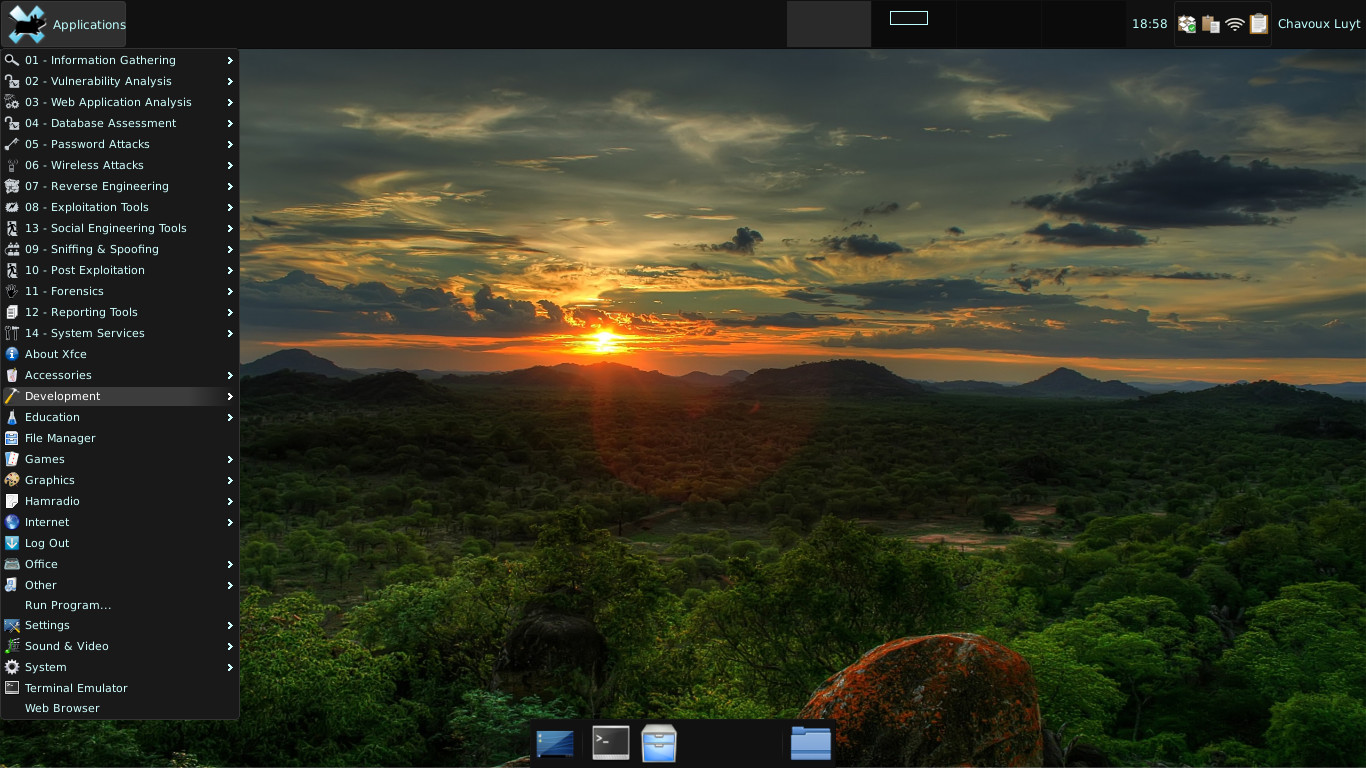
Xfce (2017).
Debian, with
Xfce (2017).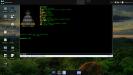 Debian,
Xfce (2017).
Debian,
Xfce (2017).-
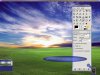 Debian, running
Enlightenment (2012), a desktop environment
with lots of eye candy.
Debian, running
Enlightenment (2012), a desktop environment
with lots of eye candy. -
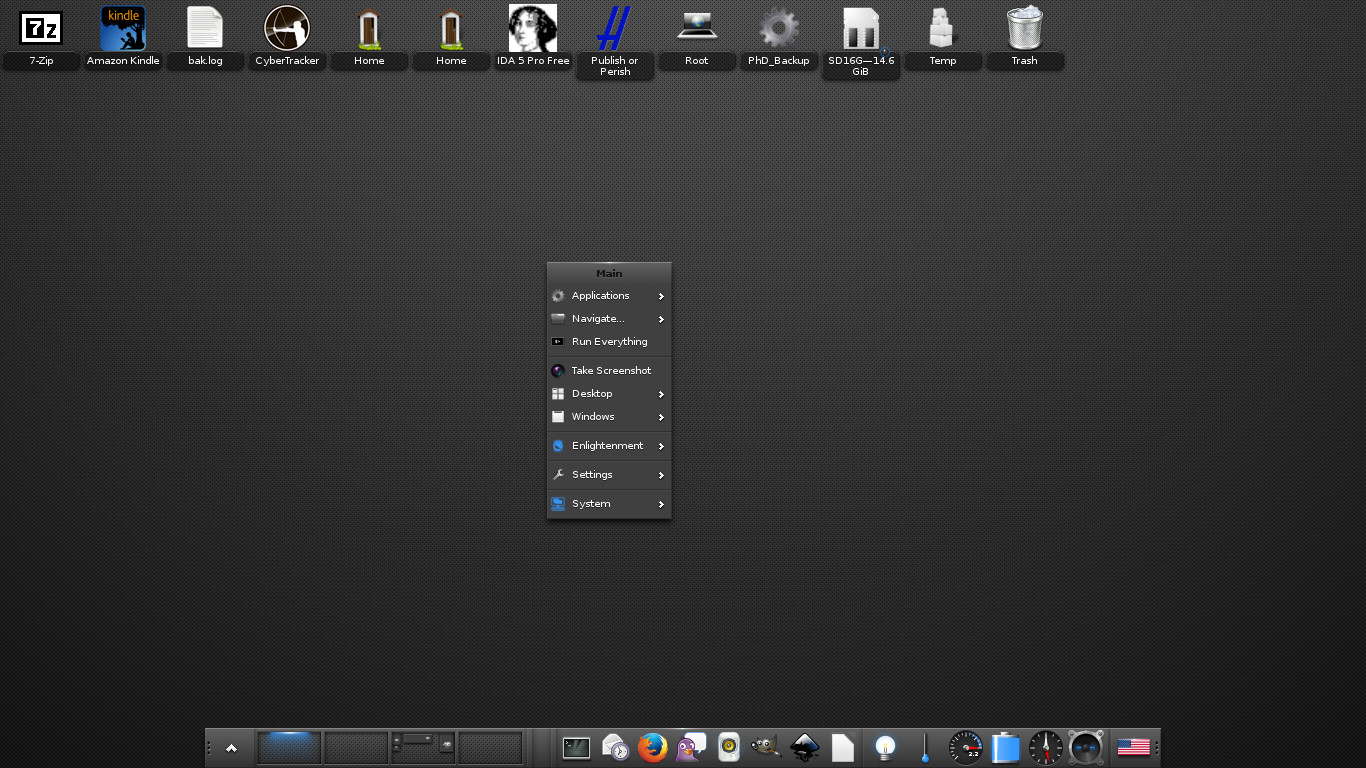
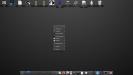 Debian, running
Enlightenment (2017).
Debian, running
Enlightenment (2017). -
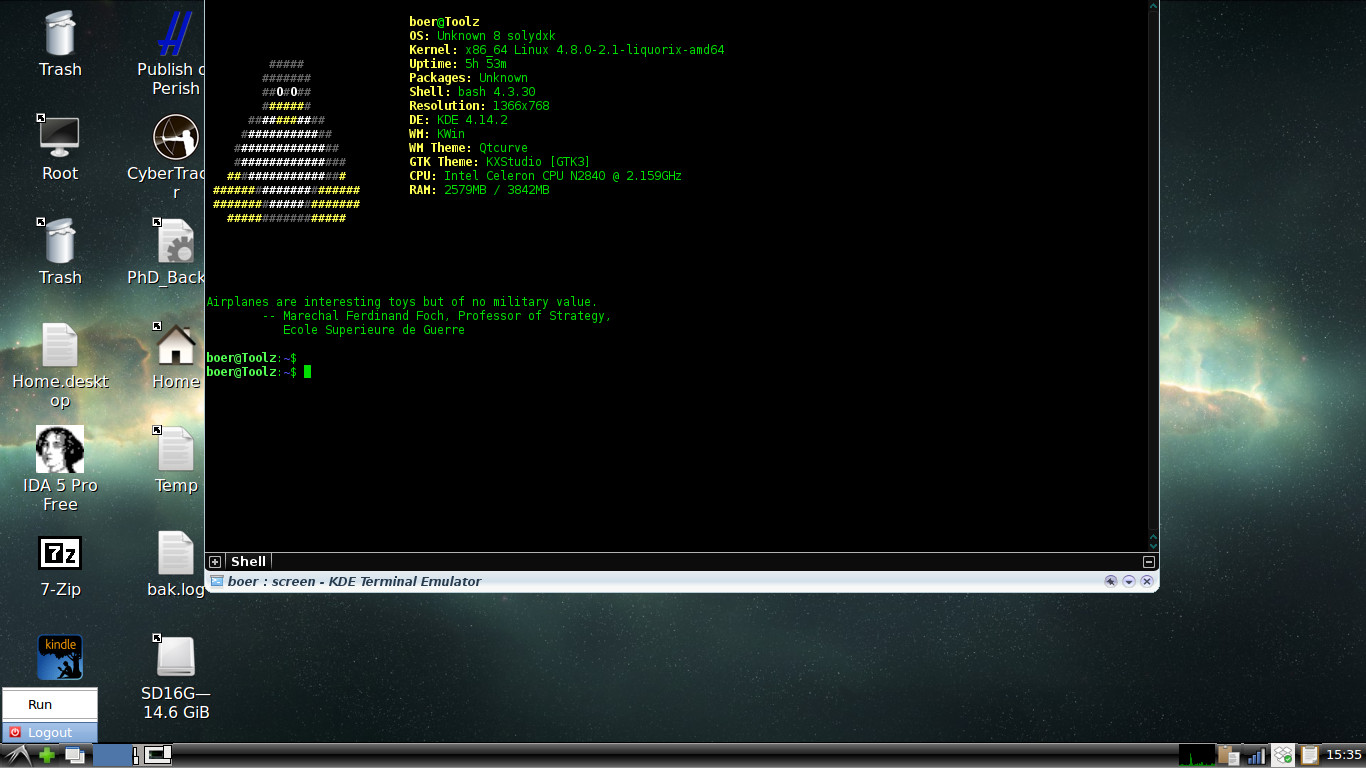
 Debian, running
LXDE, one of the lighter windows managers (2017).
Debian, running
LXDE, one of the lighter windows managers (2017). -
 Debian, running
Razor-qt, which later merged with LXDE to form LXQt (2017).
Debian, running
Razor-qt, which later merged with LXDE to form LXQt (2017). - Top
 Ubuntu
 64Studio
 Debian
 Mandrake
 openSuSE
 Mepis
Mepis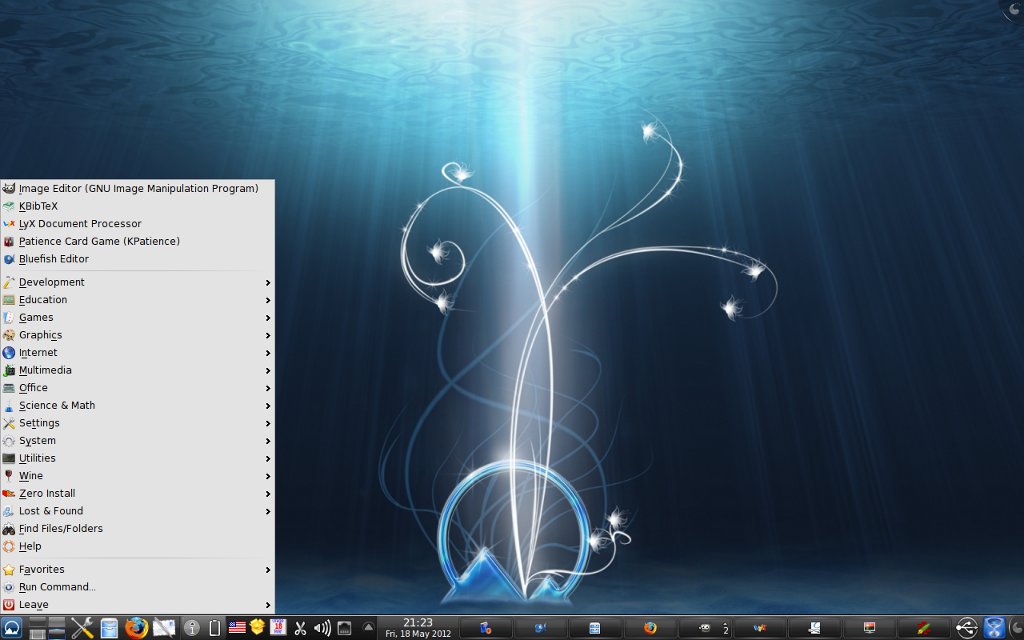 Mepis 11
 Debian
 Debian
 Debian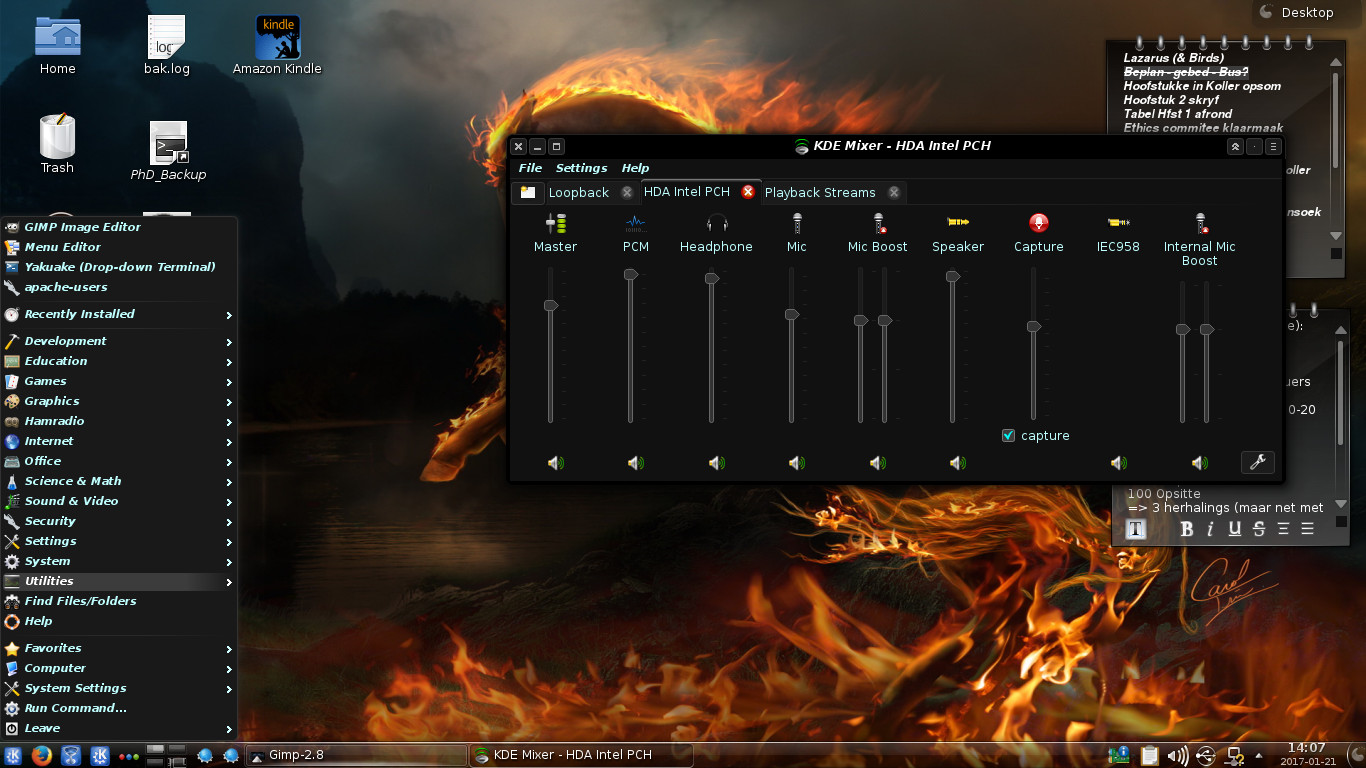

 Debian
 Debian
 Debian
 Debian
 Debian
 Debian
 Debian
 Debian
 Debian
 Debian
 Debian
 Debian